Person & driver records
Local identifiers, person alerts and driver records with defined source references.

YOUR COURT. YOUR PEOPLE. ONE CONNECTED WORKSPACE.
Bring the clerk's office, the bench and your justice partners together—with a clear next step for every case.
Independent court software by RB Technologies · Demonstration records shownLESS FRAGMENTATION. MORE CONTINUITY.
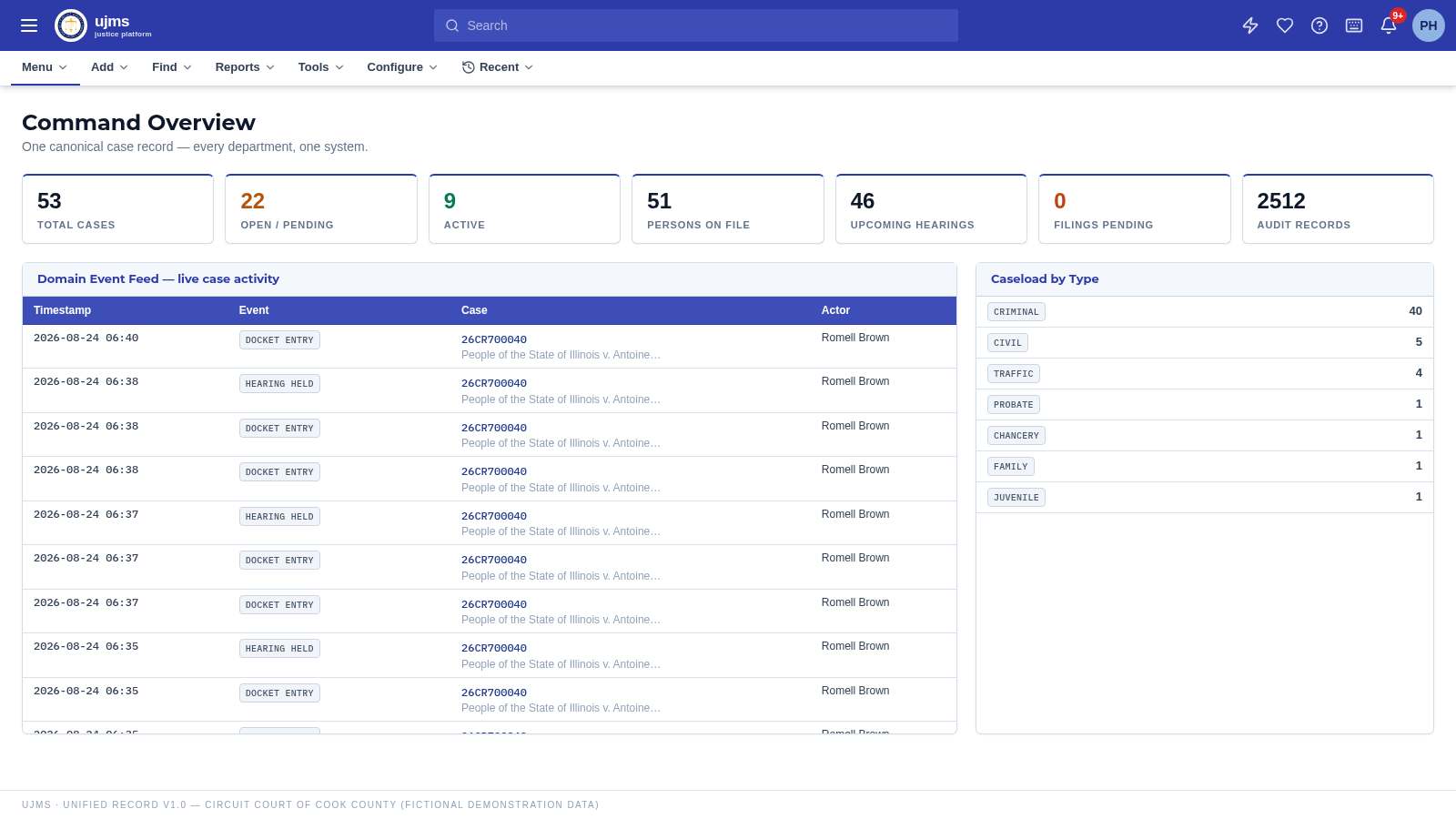
Court-wide activity and personal assignments in one place, with your institution's name and identity at the centre.
CJMS-NATIVE RECORDS
Build your agency's own record feeds inside CJMS. Every record carries a source reference, review state and revision history, and can be returned to a court through the internal review exchange.
Local identifiers, person alerts and driver records with defined source references.
Exact identifiers connect a request to reviewed internal records—not an assumed identity match.
Protection-order records, local registry entries and eligibility-review notes stay attributable to their sources.
CJMS-native feeds are internal product services, not government LEADS, NCIC, NICS, SOS or statewide registries. No government connection or endorsement is claimed. A local match—or no match—is not an enforcement authorization or firearm clearance.
A SHARED FRONT DOOR
Staff access follows their assigned role and court. Public demonstration services remain separate from protected court records.
Your court's home, casework and daily assignments.
Open workspaceAppeals, briefs and record exchanges within CJMS.
Open workspaceInternal court requests, sourced native records and analyst findings.
Open workspaceNon-confidential demonstration case records and hearing dates.
Open workspaceApplication and appeal workflow. Not official licensing or eligibility clearance.
Open workspaceCJMS-local background report requests; not an official ISP report.
Open workspaceGOVERNANCE, NOT GUESSWORK
Server-side permissions and confidentiality controls govern court records and partner workspaces.
Tenant-prefixed collections separate each court's records. Approved internal exchanges are tracked rather than silently shared.
Hearing decisions, preparation changes and native-record reviews carry actor, time and source history.
Government feeds and Microsoft/Adobe connections are not live. Zoom, email and payment integrations retain their existing demonstration or configured status.
PLAN FOR YOUR COURT
Annual subscription per named user. Implementation and support are quoted separately; confirm scope and terms in your formal proposal.
Up to 50 named users
$1,140per named user / year51–200 named users
$960per named user / year201–500 named users
$780per named user / yearFROM FIRST LOOK TO COURT FIT
Share your departments, current process and priorities.
Confirm case flow, policy requirements and the scope of a court-specific trial.
Use a 30-day isolated trial to assess your day-to-day work, with demonstration data—not a substitute for production acceptance.
BEFORE WE BEGIN
Submit the request form. RB Technologies reviews your court or agency request and arranges an isolated trial workspace after approval. Evaluate court configuration and case workflows with demonstration data for 30 days. Submitting the form does not automatically activate a trial or send working credentials.
Unless the workspace has been purchased, or a contract is pending or approved with RB Technologies, the trial workspace is terminated on the 30th day. Data is retained so a purchase or contract can reactivate it without re-entry.
Court records are separated through tenant-scoped collection prefixes and permission checks in the shared database architecture. Explicitly authorized partner exchanges are tracked. This is not a claim that every court has a separate physical database.
No. Native feeds are CJMS-owned, source-referenced records managed by authorized staff. They support internal matching and court-to-agency review; they do not connect to or replace government LEADS, NCIC, NICS, SOS or statewide registries. A local search is not a government clearance.
The checklist shows configured participant appearances, linked case-document requirements and action-specific findings before recording a decision. Missing mandatory items are validated on the server. It assists court staff; it is not legal advice or certification that all statutory requirements have been met.
Confidentiality is enforced on the server. Sealed and confidential matters are filtered at the query layer for every list, search and report, so a role without the right permission never receives them.
Yes. RB Technologies works with your team on structured import of case histories, parties, dockets and warrants during implementation planning. Ask about it in your trial request or a sales conversation.
Annual subscription per named user in three court-size tiers, with implementation and support tiers quoted separately. Cooperative purchasing, multi-year and consortium discounts are available — request a formal quote.
LET'S TALK ABOUT YOUR COURT
Walk through a case with us—from intake and hearing readiness to a recorded decision and partner review.
Existing customer support